
lolipopにレポジトリ作成
lolipopの設定を確認
ロリポップレンタルサーバからログイン
SSHの設定を確認
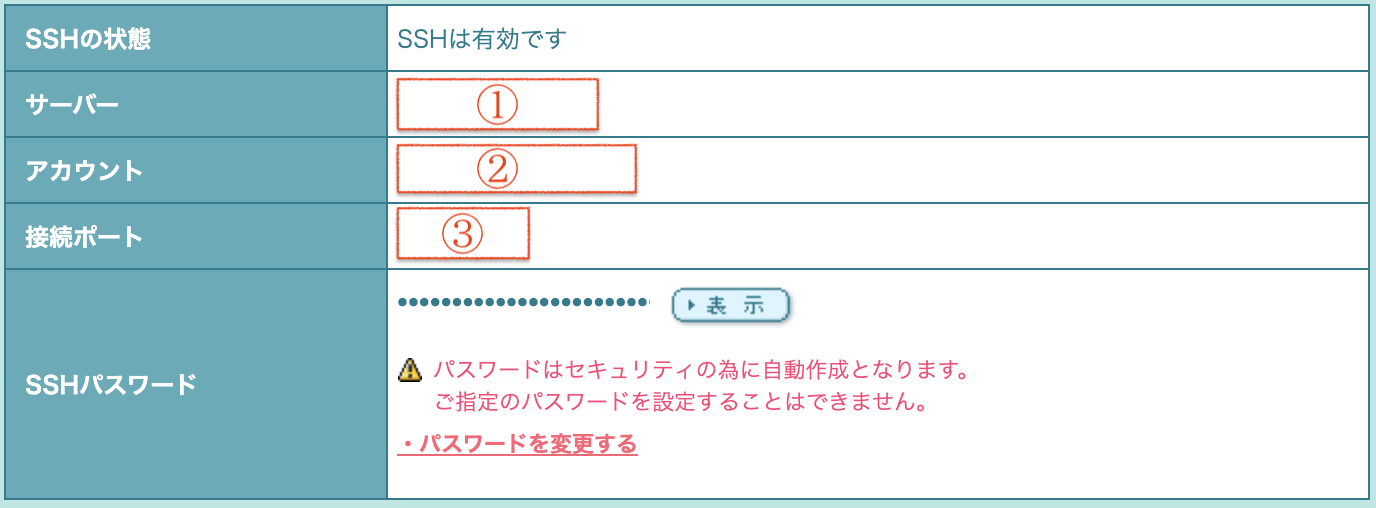
SSH接続
$ cd web
$ mkdir git
$ cd git
$ git init --bare --shared
Initialized empty shared Git repository in /home/users/0/ユーザ名/web/git/
[chu.jp-kyum@std008 git]$ ls
HEAD branches config description hooks info objects refs
認証情報の保存
現在の認証情報設定を確認
$ git config –global credential.helper
このコマンドを入力しても何も表示されない場合、認証情報ヘルパーは設定されていないことになる
認証情報の追加
$ git config –global credential.helper store
$ git pull
Username for ‘https://github.com’: ユーザID入力
Password for ‘https://MstkIszk@github.com’: パスワード入力
pullが行われると
.git-credentials
というファイルが作成される
再度以下のコマンドを入力すると
$ git config –global credential.helper
store
と応答が返る